Enable Shift Management
-
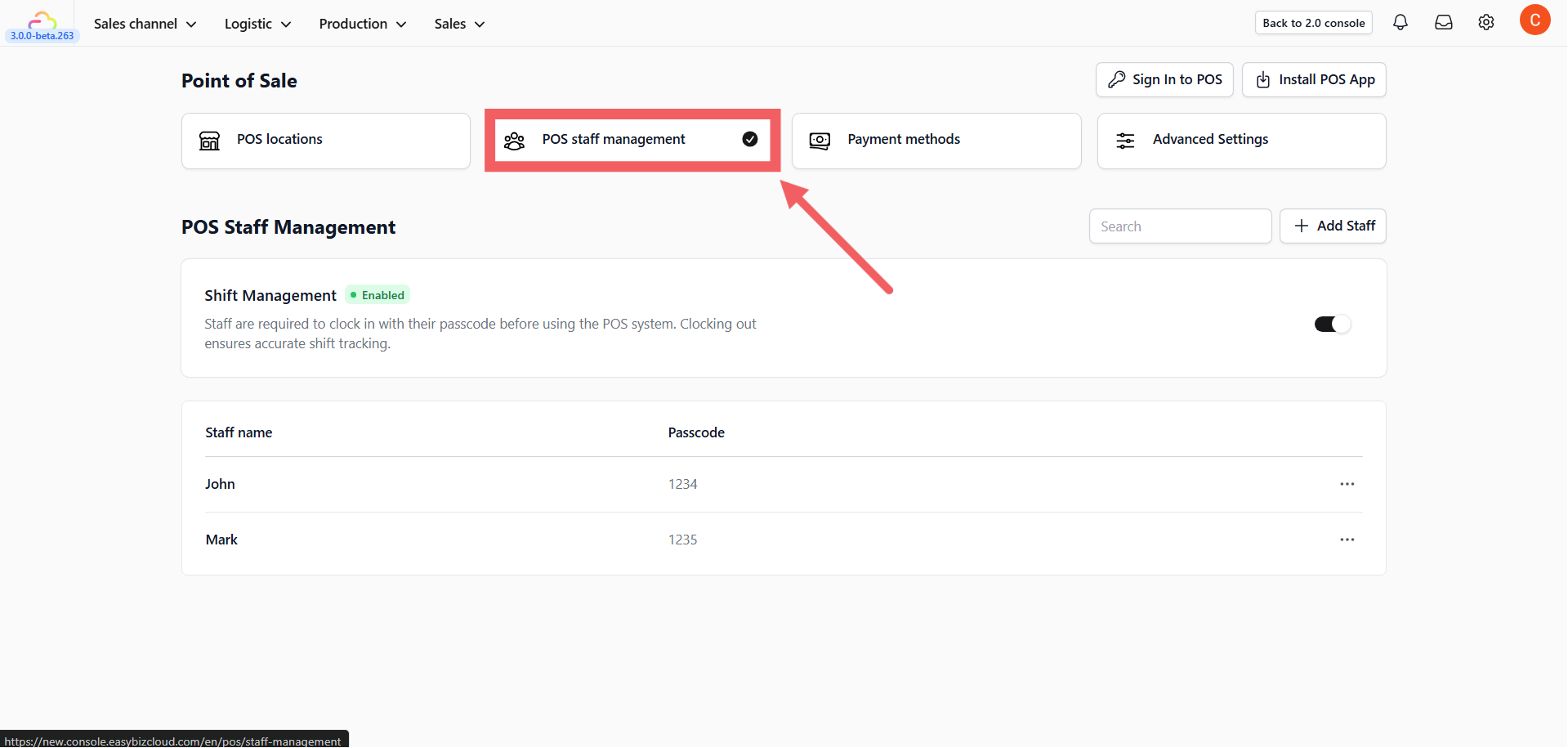
Go back to the Point of Sale main menu.
-
Click the POS Staff Management card.
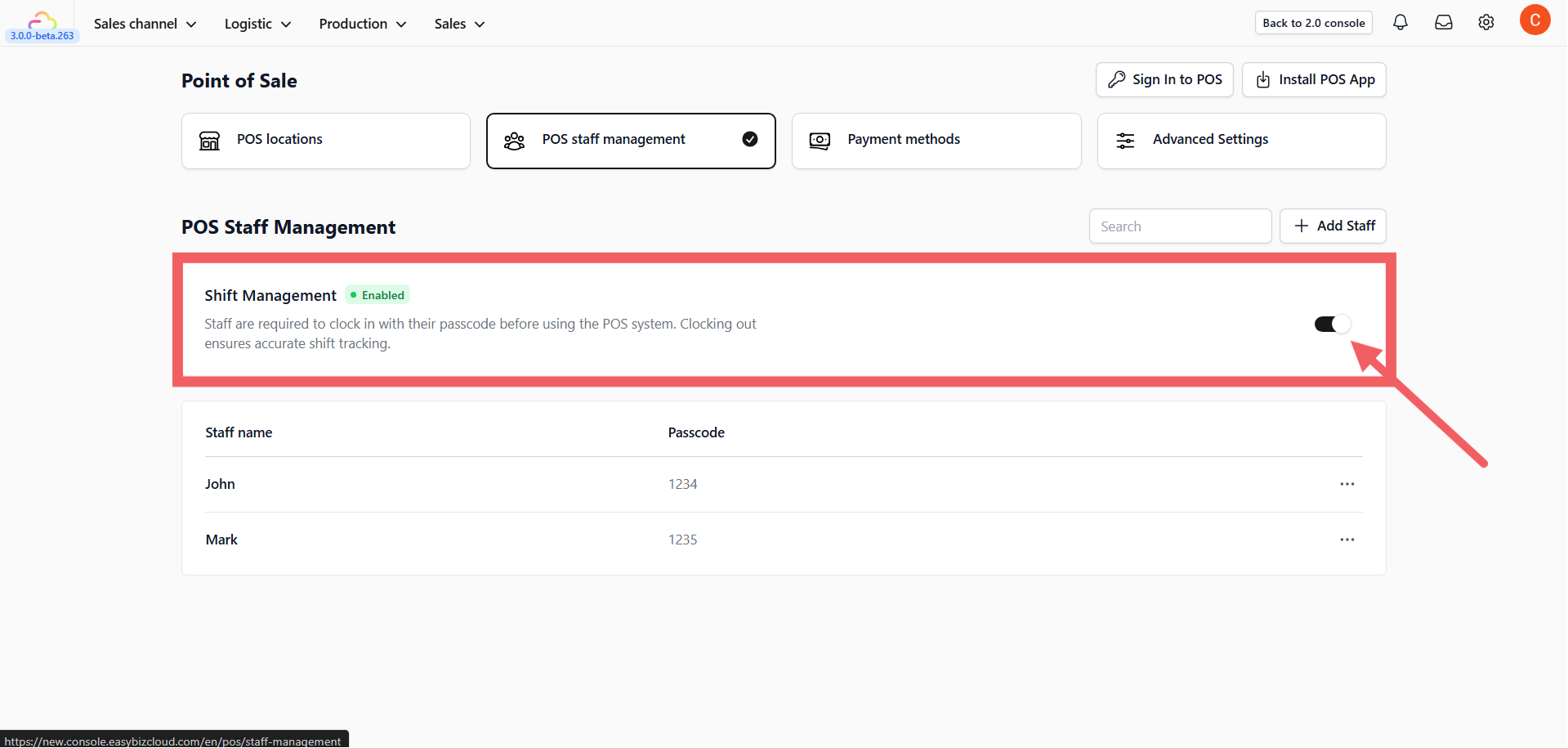
- Toggle Shift Management to Enabled.
- Why? This forces staff to clock in with their passcode before they can make a sale, ensuring accurate attendance records.
Add a Staff Member
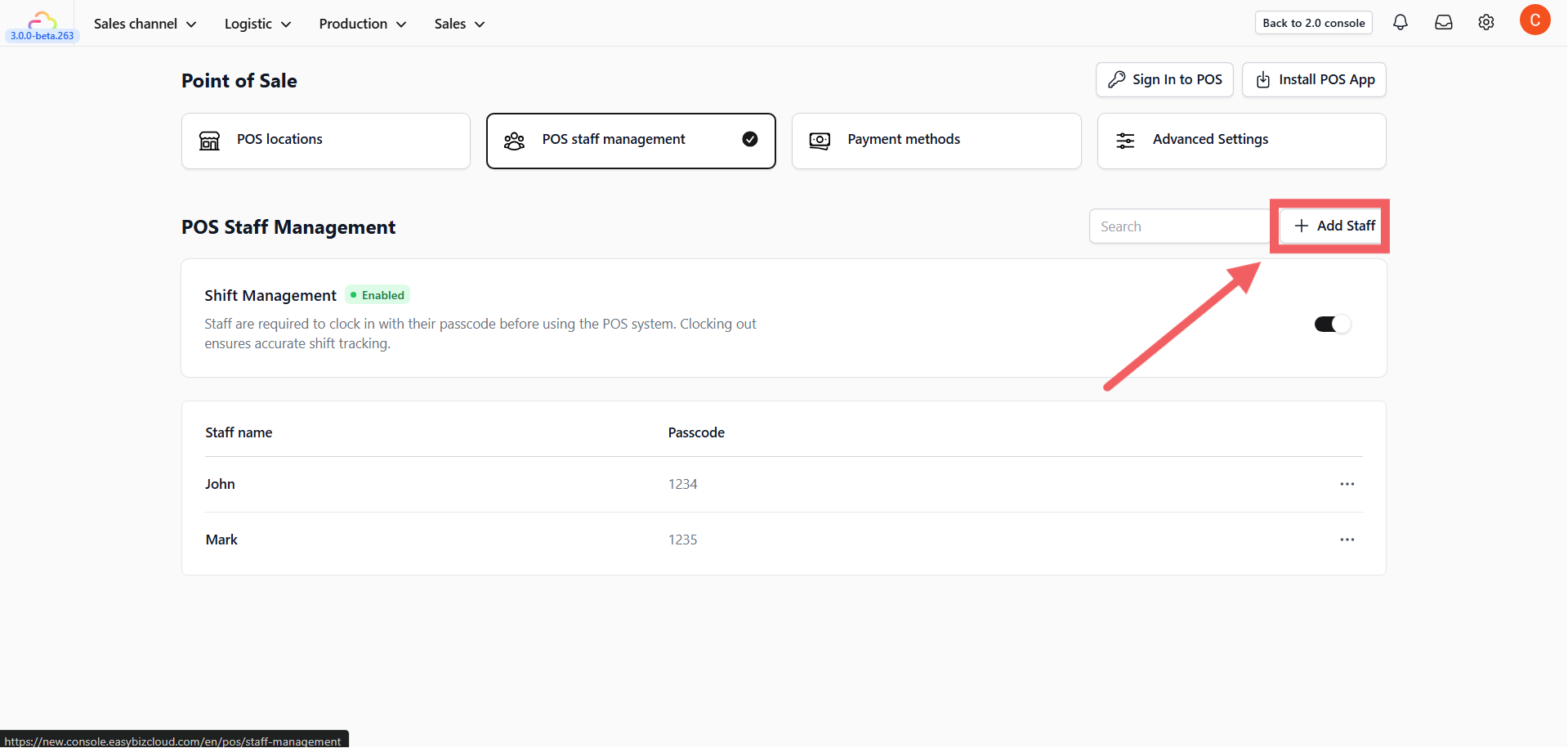
- Click the + Add Staff button.
-
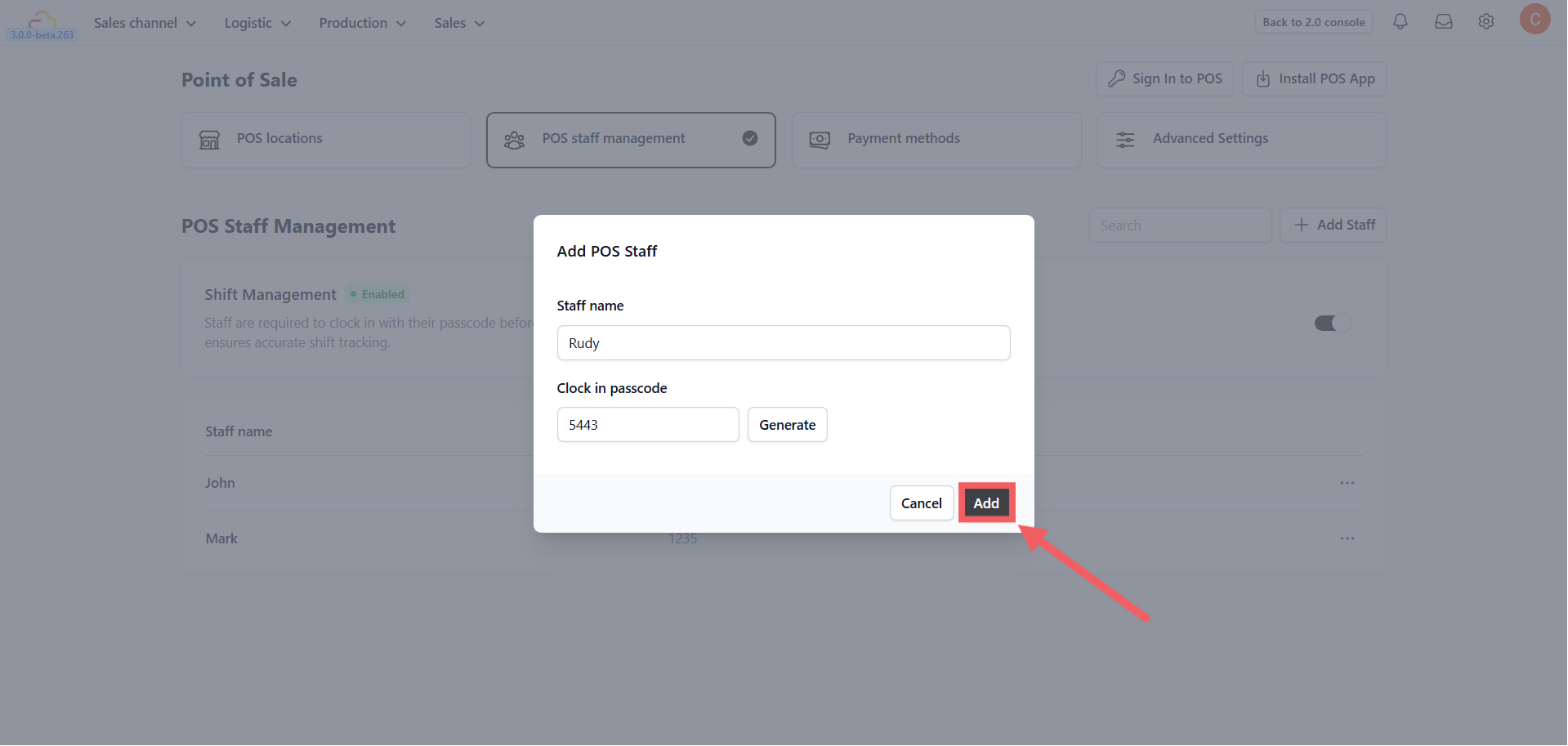
Staff Name: Enter the employee’s name (e.g., “John Doe”).
-
Passcode:
-
Type manually: Enter a 4-digit PIN.
-
Generate: Click Generate to create a random secure PIN.
- Click Add.