What Is the Close of Day Report Template?
The Close of Day Report template is a special receipt type designed for your end-of-day summary. Unlike regular order receipts that are printed per transaction, this template is used once at the end of the day when your staff runs the Close of Day from the Daily Sales screen.
EasyBiz provides a pre-made layout that works well for most businesses — you do not need to customise anything. The default template already shows your daily summary with all the numbers you need.
Create a Close of Day Receipt Template
First, you need a receipt template so the system knows how to format your Close of Day report.
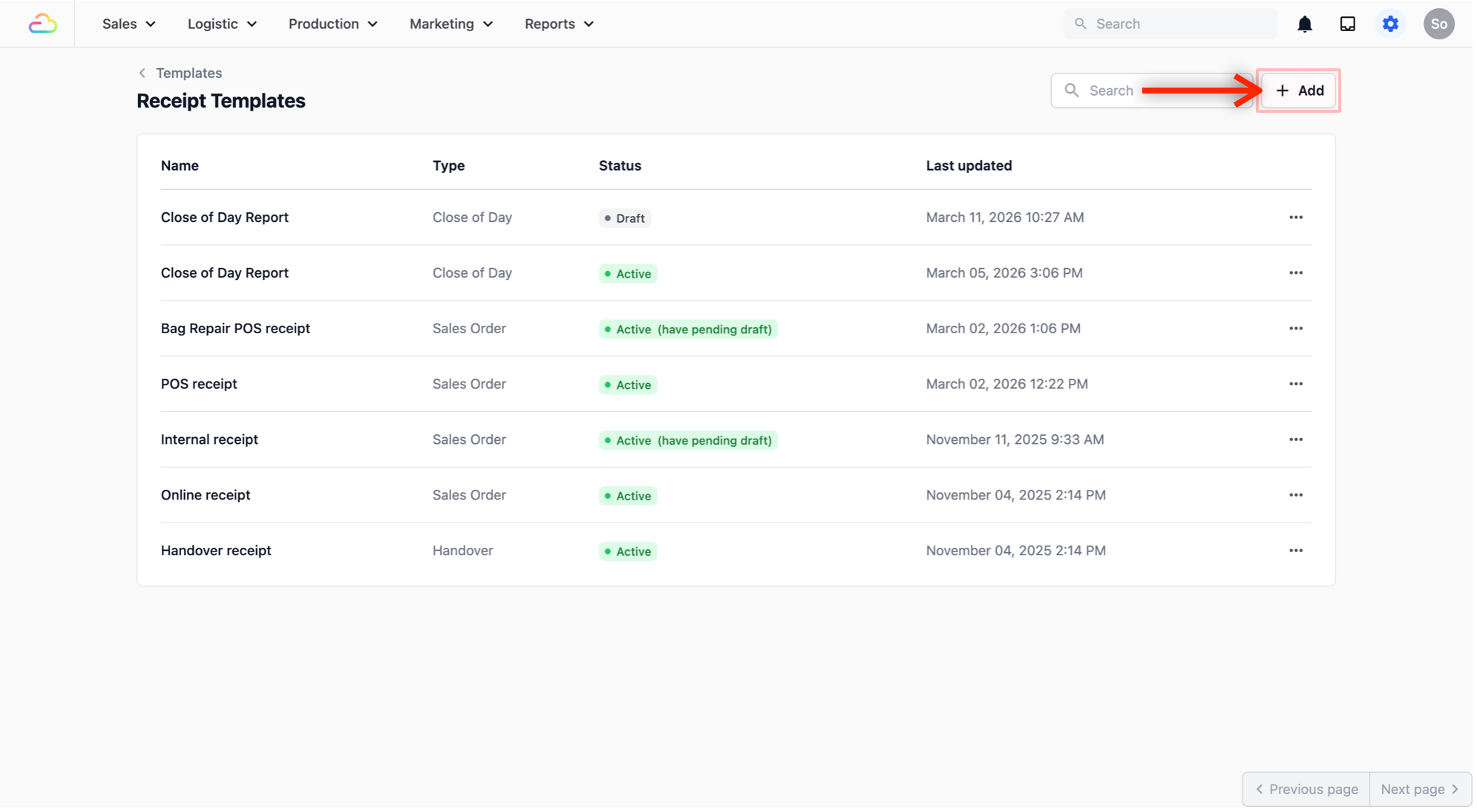
- In the EasyBiz Console, go to Settings (gear icon) → Under Templates, click on Receipt Template.
- Click the + Add button to add a new receipt.
- Select Close of Day Report as the template type and click Create.
You do not need to change anything in the template — the default layout works well for most businesses. It will show your daily summary with all the numbers you need.
- Click Publish to save the template.