
What Is a Business Unit?
It groups everything that defines how one line of business operates: what you sell, how items are measured, how the order moves from intake to handover, how work is organized on the shop floor, and what paperwork is generated. Think of it as the complete setup for one service you offer.
How to Access Your Business Unit
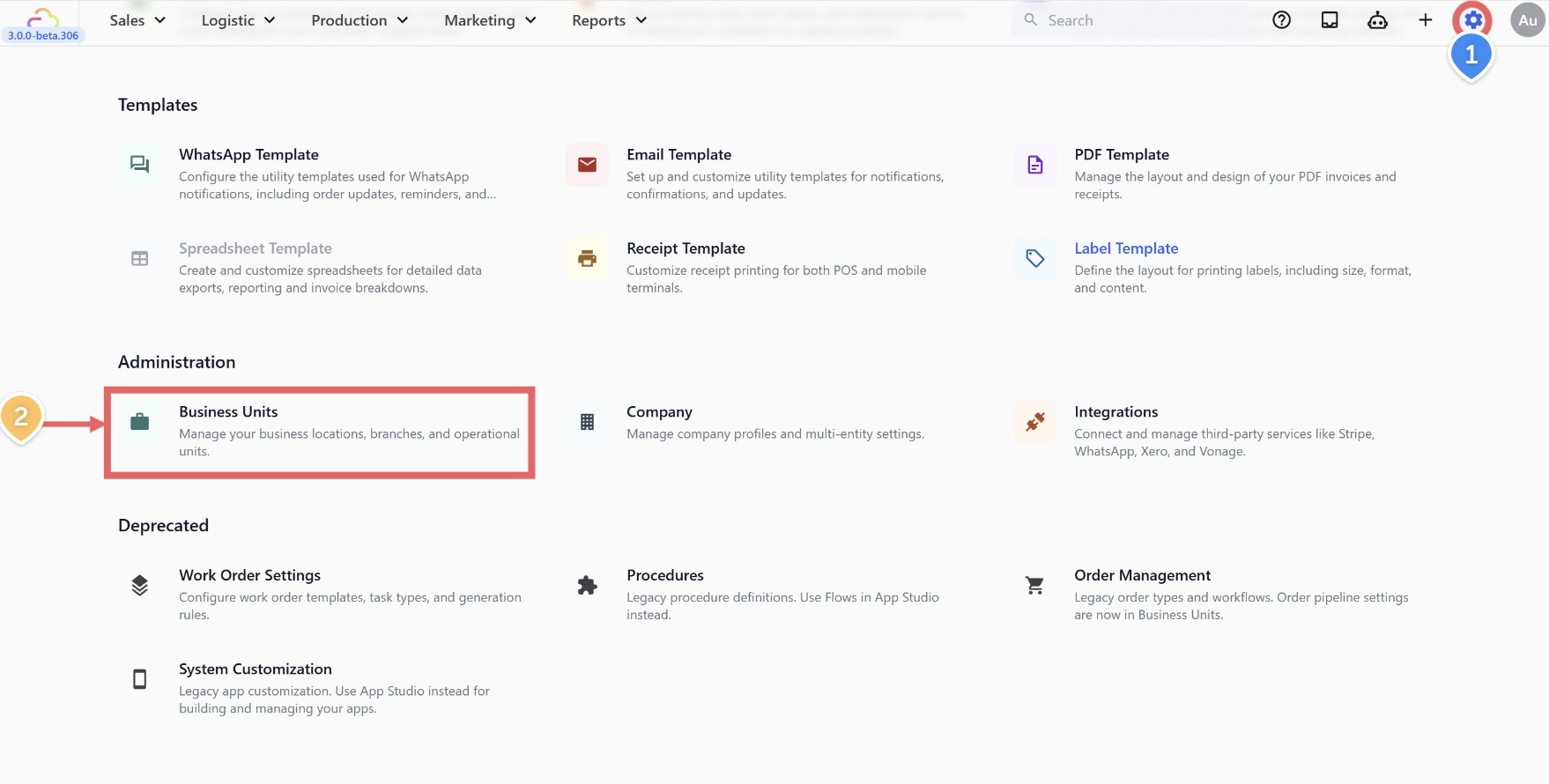
Click the ⚙️ Settings icon in the top-right corner
Under the Administration section, click Business Units.
Click the desired Business Unit you want to configure.
What Each Section Does
Once you open a Business Unit, you will see these sections. Each one controls a different part of how your orders are handled.
| Section | What it does |
|---|---|
| Catalog | Defines what you sell — services, products, categories, pricing. |
| Line Item Flows | Adds prompts when staff add a specific item — e.g. entering a curtain measurement. |
| Checkout Flows | Optional steps shown at checkout before the order is confirmed — instructions, signature. (Coming Soon) |
| Order Pipeline | Defines the stages an order moves through from drop-off to completion. (Coming Soon) |
| Work Orders | Generates per-item job sheets for your processing plant. See Configuring Work Orders. |
| Packing Flows | Optional per-item packing steps that run during prep, before fulfillment is confirmed. (Coming Soon) |
| Completion & Handover Flows | Optional steps for completion, collection, delivery, and on-site handover. (Coming Soon) |
| Documents | Receipts, invoices, and item labels the system prints. |
When Do You Need More Than One Business Unit?
Only when you run genuinely different trades in the same shop. Each trade needs its own catalog, its own production stages, and its own documents — so they each need their own Business Unit.
Examples:
Laundry and Bag Repair: different catalogs, different production stages, different work orders.
Laundry and Tailoring: different pricing logic, different measurement capture, different production floor.
If it is all laundry walk-in and home pickup, wash-fold and dry-clean — keep it in one Business Unit. Those differences are handled by Sales Channels and Catalog categories, not separate Business Units.
What's Next
Set up your first Business Unit:
Bag Repair: Setting Up Your Business Unit for Bag Repair (guide coming soon)